 Formuladrill
Get fast at the Excel formulas jobs test.
68 exercises on real spreadsheets, including Work mode tasks on messy data and sheets where you find and fix the mistake. Checked on what your formula calculates, and again when the numbers change.
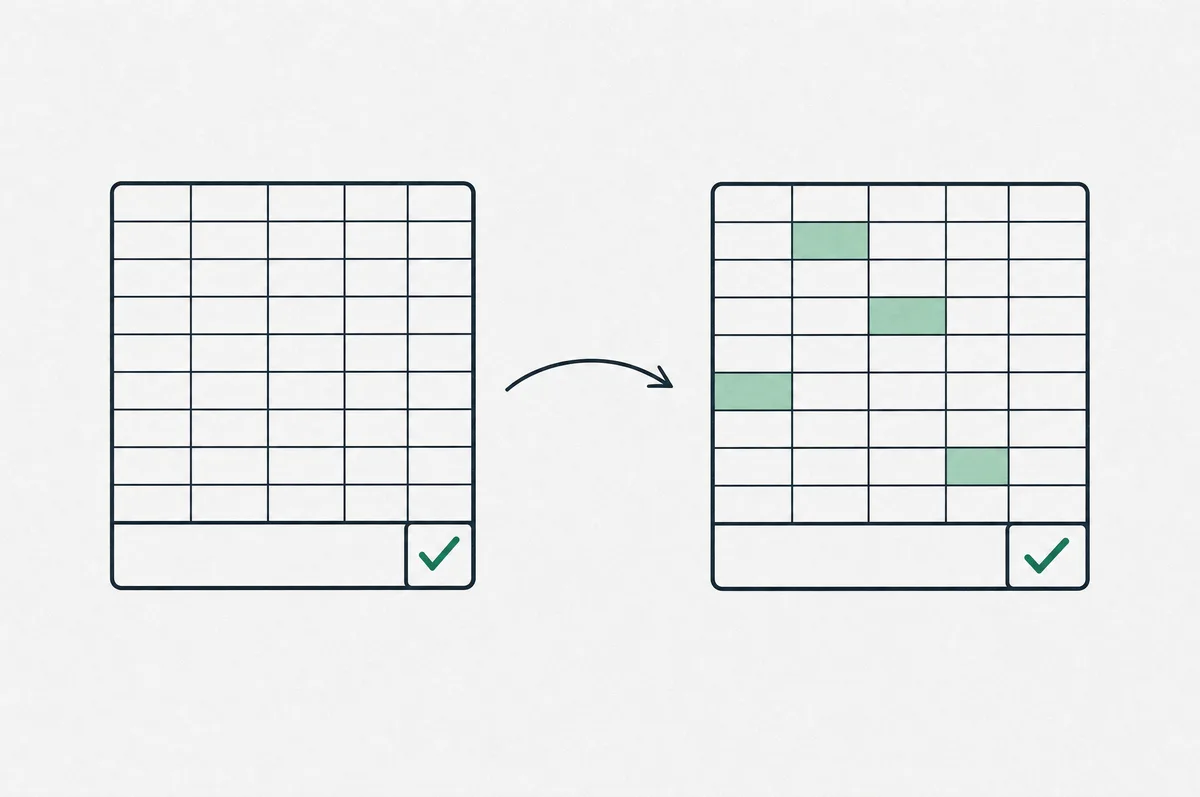
Checked twice, so typed-in answers fail.
- 01Write the formulaClick a green cell, type in the formula bar, press Enter and watch it calculate.
- 02It recalculates on changed dataThe sheet is run again with different inputs, the way a real workbook gets updated.
- 03You learn whyIt names the mistake: a range that stops a row short, a lookup tripped by stray spaces, numbers stored as text, a typed-in value. Hints and a worked solution follow.
Seven levels, from SUM to finding the mistake in a finished sheet.
| 12 | Basics | SUM, AVERAGE, MIN, MAX, COUNT, ROUND, MEDIAN, absolute references and running totals. |
| 13 | Logic and counting | IF, AND, OR, IFS, IFERROR, COUNTIF(S), SUMIF(S), AVERAGEIF and MAXIFS. |
| 8 | Lookups | VLOOKUP, XLOOKUP, INDEX with MATCH, two-way lookups and bracket tables. |
| 10 | Text and dates | TRIM, PROPER, TEXTJOIN, SUBSTITUTE, YEAR, MONTH, EDATE and EOMONTH. |
| 10 | Finance | PMT, NPV, IRR, PV, FV, CAGR, break-even and depreciation. |
| 6 | Work mode | Requests from Sales, Finance and Support on messy sheets: numbers stored as text, stray spaces, text dates and duplicates. |
| 9 | Find the error | Finished budgets, price lists and loan sheets with a planted mistake: a range that stops short, a typed-in rate, a flipped sign. Find it and fix it. |
Timed mode, like an Excel assessment.Each exercise gets a clock. Hints and solutions stay locked until time is up, and your best times are kept.
Faster with the keyboard too.Our sister site Shortcutdrill teaches the Excel keyboard shortcuts with drills on a live sheet and a limit on key presses. Try Shortcutdrill
Start free. Pay once you are hooked.
Free
- 8 exercises, including Work mode and Find the error
- Instant checking and hints
- Timed mode
Pro
- Every level, including lookups, finance, Work mode and Find the error
- Worked solutions and explanations
- Progress and best times saved to your account
Payments open soon. The free exercises work now.
Questions
Do I need Excel installed?
No. Each exercise runs on a small spreadsheet in your browser that follows Excel's rules for the functions it uses. The formulas you learn work the same way in Excel and, for nearly all of them, in Google Sheets.
Why did my answer fail when the number looked right?
Every answer is also recalculated with changed inputs. A formula that types in today's number, or points at the wrong cell, is right once and wrong the second time. That is exactly what goes wrong in real workbooks.
Do I need an account?
No. The free exercises work without one and save progress in your browser. A free account saves progress across devices, and Pro unlocks the rest.
How do I cancel the monthly plan?
Open Account and choose Cancel subscription. That is the whole process: you keep Pro until the end of the period you paid for and are not charged again. If Pro is not for you, you get a full refund within 14 days of paying.
What if my answer is right but marked wrong?
Answers are checked on the value your formula calculates, not on how it is written, so any formula that gets there passes. If a check still gets it wrong, use the report link under the result. Reports are reviewed, and a check that is wrong gets fixed.